StarkFi API uses API keys to authenticate requests. Include your API key in the x-api-key header on every request, including configuration routes such as GET /config/products and the Quote service. Your API keys carry many privileges, so be sure to keep them secure!
Base URL: https://api.starkfi.ioUse the paths exactly as shown in this documentation — for example GET /yield/strategies, POST /payment/register/intents-create-order.

Getting an API Key

1

Sign up for StarkFi

Create an account at starkfi.io
KYC/KYB is required for financial transactions with fiat payment methods. Checkout (order) flows and pure crypto transactions do not require verification. See StarkPay overview.
2

Navigate to Dashboard Account

Create your account –– Follow the link https://dashboard.starkfi.io
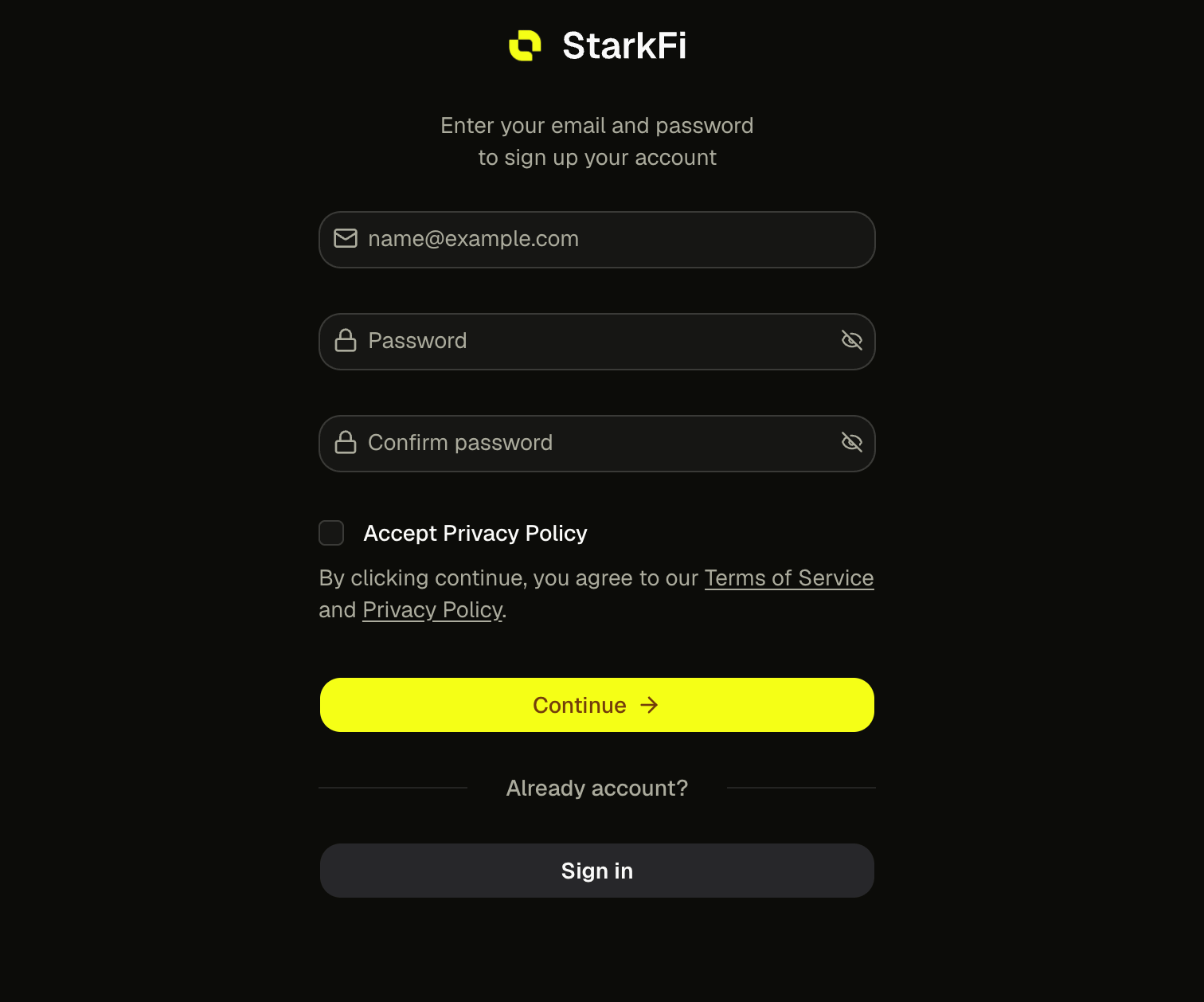
Login Auth Dash
3

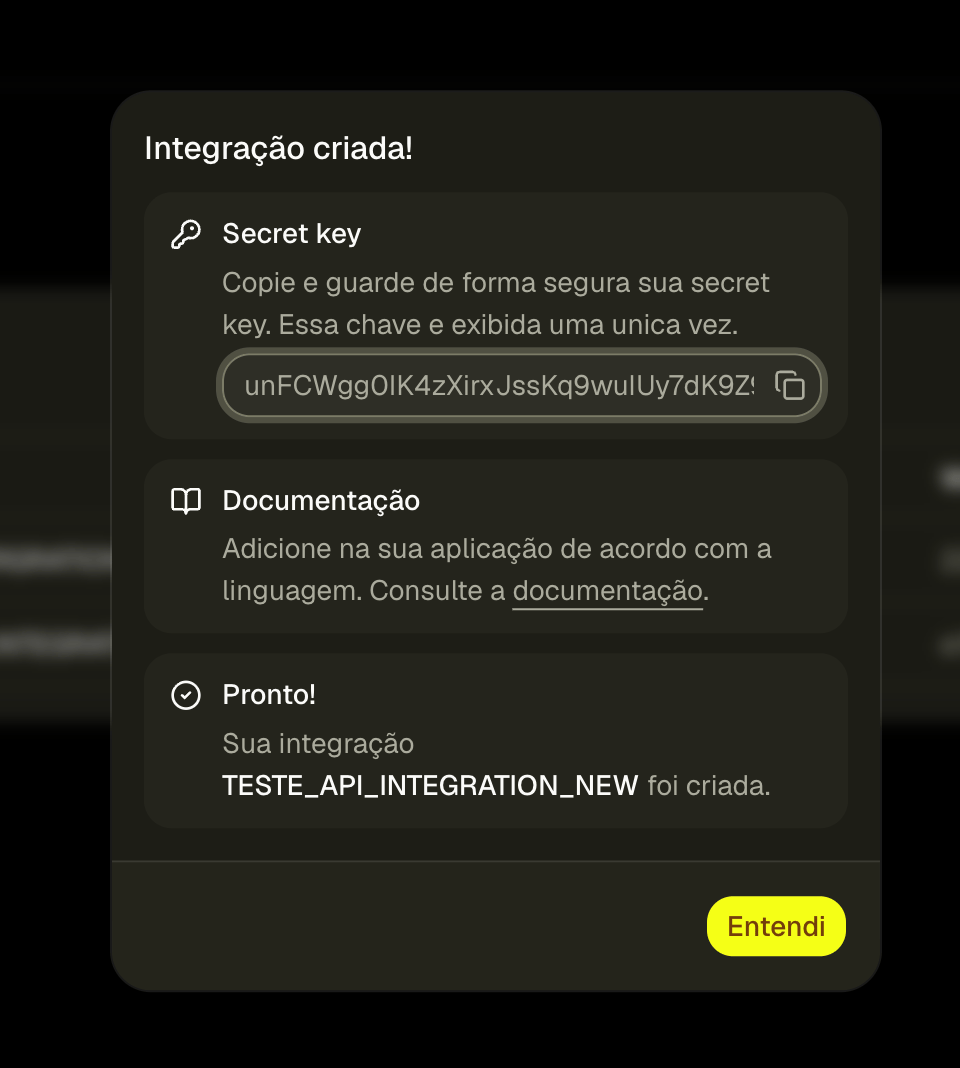
Copy and Storage

Copy your API key immediately - you won’t be able to see it again!
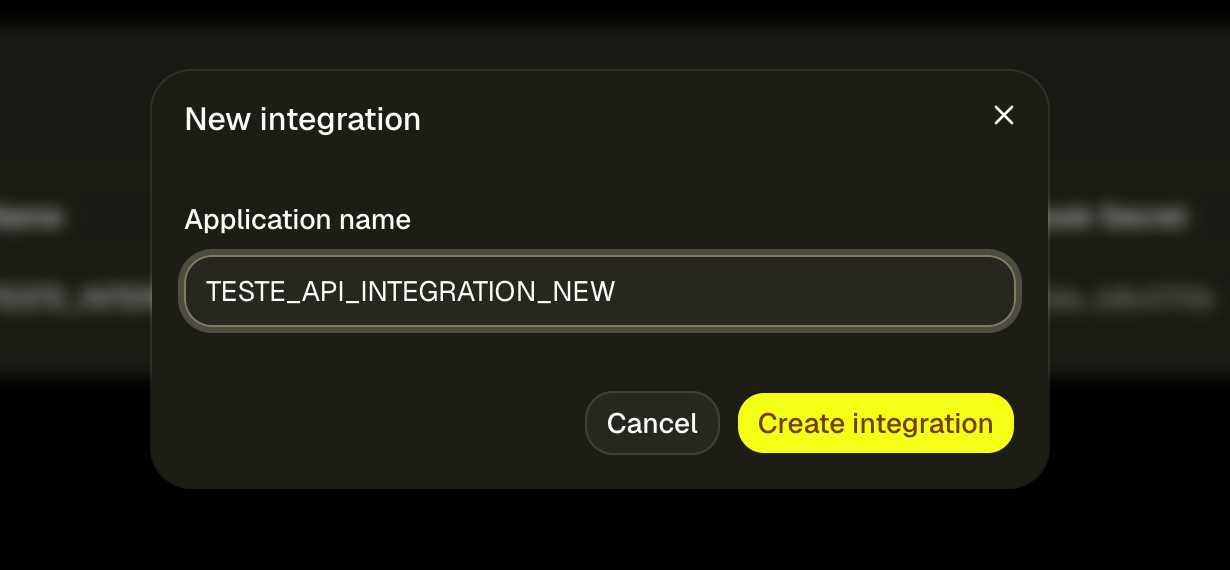
Screenshot 2026 05 15 At 18 44 55
Screenshot 2026 05 15 At 18 45 04
Keep your API keys secure! Do not share your secret API keys in publicly accessible areas such as GitHub, client-side code, etc.

Using your API Key

Include your API key in the x-api-key header with every request:
import axios from 'axios'

const starkfi = axios.create({
  baseURL: 'https://api.starkfi.io',
  headers: {
    'x-api-key': process.env.STARKFI_API_KEY
  }
})

// Make authenticated request
const response = await starkfi.get('/payment/:id/status')
console.log(response.data)
Store your API key in a secure server-side environment variable (e.g. STARKFI_API_KEY). Do not expose it in frontend code or commit it to git.

Common API Response Errors

Rate Limits

API keys are subject to rate limits to ensure fair usage:

Rate limits

  • 600 requests per minute per API key
  • Unlimited number of requests per month.

Handling Rate Limits

When you exceed the rate limit, you’ll receive a429 Too Many Requestsresponse:
{
  "code": 429,
  "message": "Too many requests. The limit is 600 request per minute and 10 requests per second.",
  "docs": "https://docs.starkfi.io/"
}

Unauthorized or API Key Invalid

Your request was rejected by the server. This error can have multiple causes:
  1. Invalid or expired API Key
The API key provided may be incorrect, expired, or has been revoked. Please verify your key is active in the dashboard.
  1. Wrong header format
The API key must be sent in the request header exactly as:x-api-key: YOUR_KEYAny variation (e.g. Authorization, api_key, X-API-Key) will result in this error.
{
  "code": 403,
  "message": "Access denied. A valid API Key is required.",
  "docs": "https://docs.starkfi.io/"
}